Looking to contact semiconductor manufacturer teams for wet process equipment? Meraif supports Southeast Asia buyers with solutions for silicon wafers, IC wafers, advanced packaging, IC substrates, and SMT—backed by patented nozzle technology, vacuum negative pressure spray cleaning, and supercritical fluid expertise for high-precision semiconductor cleaning.
Server Selection Guide for Manufacturing ERP Workloads for B2B Buyers
Most server guides lie by omission.
They talk about cores, RAM, RAID, and “future growth,” then quietly avoid the ugly part: Manufacturing ERP is not a neat office application; it is a living transaction engine wired into purchasing, MRP, BOM changes, barcode scans, EDI, shop-floor reporting, quality holds, inventory reservations, finance closes, and managers who still expect the dashboard to load while the warehouse is screaming. What happens when the server is “technically adequate” but operationally brittle?
I’ve seen buyers overpay for shiny hardware and underpay for the boring stuff that keeps ERP alive: write latency, backup isolation, memory headroom, firmware discipline, database IOPS, support response time, and a recovery plan that has actually been tested. Hardware gets blamed. But the real failure usually started months earlier, during B2B ERP server selection, when the team treated server sizing like a procurement checkbox instead of a manufacturing risk decision.
The hard truth: for Manufacturing ERP, the best server for ERP system performance is rarely the biggest box. It is the box whose CPU, storage, network, redundancy, and maintenance model match the workload’s worst Tuesday.
Table of Contents
Why Manufacturing ERP Workloads Punish Lazy Server Selection
Manufacturing ERP has a personality problem. It looks predictable in demos and then turns feral in production.
A distributor ERP workload may mostly care about order entry, inventory, invoicing, and reporting. A Manufacturing ERP system cares about all that plus routings, labor capture, work orders, MRP explosions, serial and lot traceability, quality records, engineering revisions, supplier delays, finite scheduling, and sometimes MES or SCADA integrations. Every “small” transaction touches another table, another rule, another dependency.
And no, cloud does not magically remove the problem. It moves it. Sometimes that is the right move. Sometimes it hands your plant to a subscription meter and a network dependency you do not fully control.
The reason I still take on-premise ERP server conversations seriously is simple: manufacturers often operate under physical constraints that software people underestimate. A plant may run two shifts, three shifts, or “whatever it takes because the customer moved the shipment up.” If ERP slows during receiving, production reporting, or month-end costing, the damage is not abstract. Operators wait. Planners guess. Buyers expedite. Finance reconciles garbage.
That is why ERP server requirements must begin with the business process, not the chassis.
The Minimum Viable Truth About ERP Server Requirements
The first mistake is asking, “How much RAM do we need?”
The better question is: “Which workload will break first under pressure?”
For most Manufacturing ERP deployments, four pressure points matter more than vendor brochures admit:
Workload Factor
What It Means in Manufacturing ERP
Server Selection Implication
Buyer Mistake I See Often
Transaction density
Work orders, inventory moves, barcode scans, purchasing, shipping
Prioritize database write performance and CPU stability
Buying many cores with slow storage
MRP and scheduling runs
Batch-heavy planning calculations
Need CPU headroom and enough memory for large data sets
Running MRP on the same underpowered VM as reporting
Reporting and analytics
Dashboards, costing, production KPIs
Separate reporting load where possible
Letting BI queries choke live ERP
Integrations
MES, EDI, warehouse systems, quality tools
Need network reliability, API capacity, monitoring
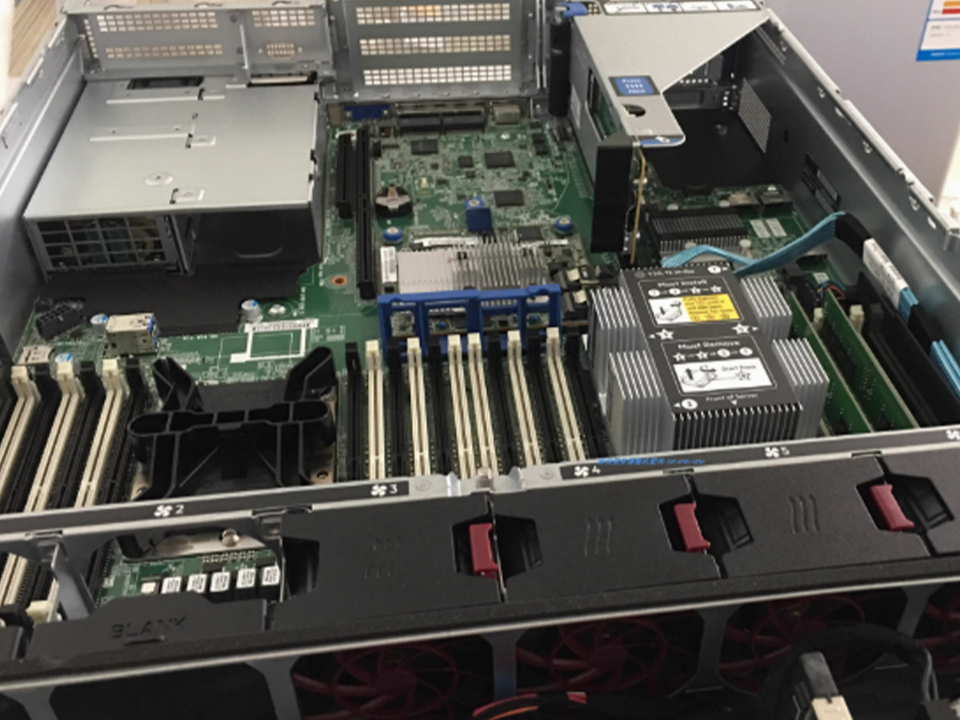
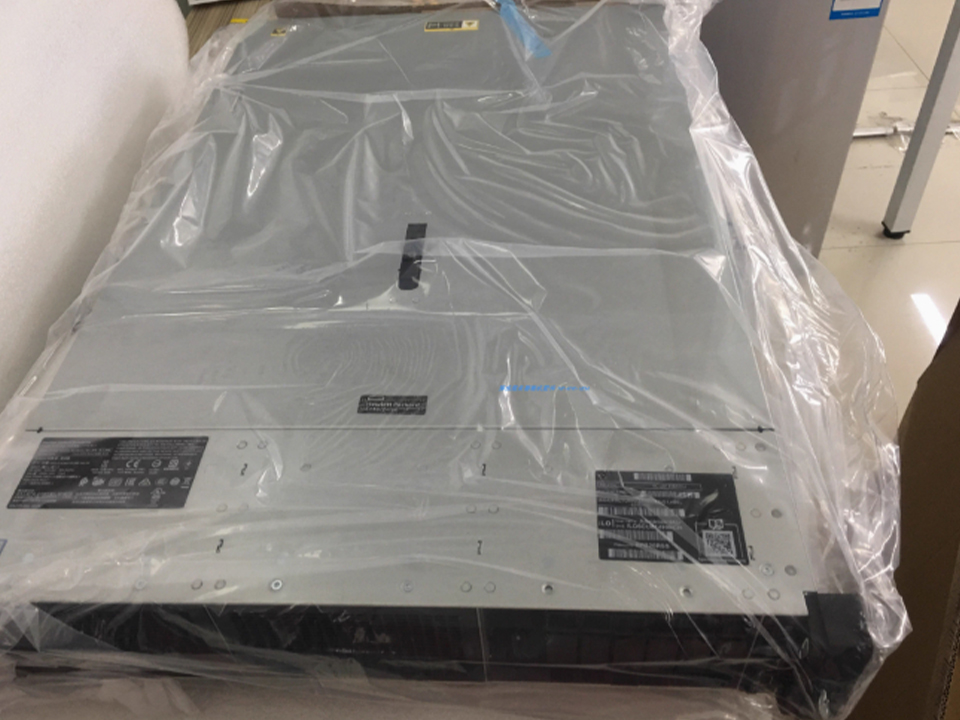
This is where a compact, dual-socket server can be a smarter ERP platform than a loud, overspecified monster. For buyers standardizing a data-center rack footprint, a 1U dual-socket rack server for data center computing fits the boring-but-serious category: dense compute, predictable rack deployment, and a cleaner path for virtualization clusters.
But do not confuse “dual socket” with “ERP-ready.” ERP readiness is not a spec sheet. It is a workload match.
CPU: Stop Buying Cores You Will Not Use
Manufacturing ERP buyers often worship core counts because core counts are easy to compare. Vendors love this. Procurement loves this. It is also frequently the wrong starting point.
Many ERP databases still reward faster cores, stable clocks, cache behavior, and licensing discipline more than raw socket sprawl. Some ERP modules are multi-threaded. Some are not. Some batch jobs parallelize well. Some crawl through business logic like a tired auditor with a clipboard.
So I use a simple rule: size CPU for peak concurrency plus batch overlap, not average usage.
If planners run MRP while supervisors post labor, finance runs costing, warehouse users scan receipts, and managers refresh dashboards, your “average CPU utilization” from last month is comedy. The server must survive overlap.
For SMB and mid-market Manufacturing ERP, I usually prefer fewer, stronger CPUs with clean virtualization boundaries over a chaotic host packed with unrelated workloads. Put ERP, SQL, reporting, domain services, backup tooling, and random plant utilities on the same host and you have built a shared-fate machine. It may run. Until it does not.
Memory: RAM Is Cheap Until Downtime Starts Billing You
RAM is where buyers get weirdly stingy.
I have watched teams argue over 128 GB versus 256 GB of memory while ignoring the cost of one failed production day. IBM’s 2024 industrial-sector breach analysis puts the average total cost of a data breach in the industrial sector at USD 5.56 million, up 18% from 2023, and also notes that industrial organizations are highly sensitive to operational interruption.
That statistic is about security, yes, but the business lesson applies to ERP infrastructure: interruption is expensive because factories convert time into money with brutal honesty.
For ERP database servers, memory does three things:
It keeps hot data closer to the CPU.
It reduces disk pressure.
It gives the system breathing room when users behave badly, which they absolutely will.
If your ERP vendor says 64 GB is enough, ask what dataset size, user count, reporting load, retention period, and concurrent job mix that estimate assumes. Then ask whether that number includes the operating system, database engine, antivirus or EDR, backup agent, monitoring, and virtualization overhead.
Watch their face.
Storage: Manufacturing ERP Lives or Dies on Write Latency
Storage is the dirty secret.
A slow ERP server rarely feels slow because CPU is maxed. It feels slow because the database is waiting on storage, locks are stacking up, temp files are misbehaving, or backup jobs are stepping on production I/O.
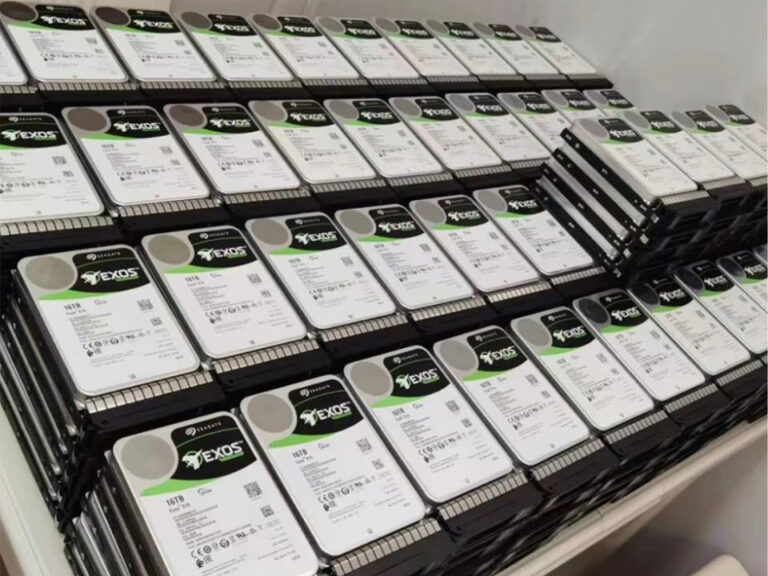
For manufacturing ERP hardware requirements, NVMe is not a luxury when transaction density is high. It is the new baseline for serious systems. SATA SSD can still work for light loads, but if your plant runs lot traceability, barcode scanning, MRP, attachments, and reporting from one environment, cheap storage becomes an executive decision disguised as savings.
A practical ERP storage design usually separates:
Database data files
Database logs
TempDB or equivalent temporary workload area
ERP application files
Attachments and document storage
Backup landing zone
Archive or reporting replicas
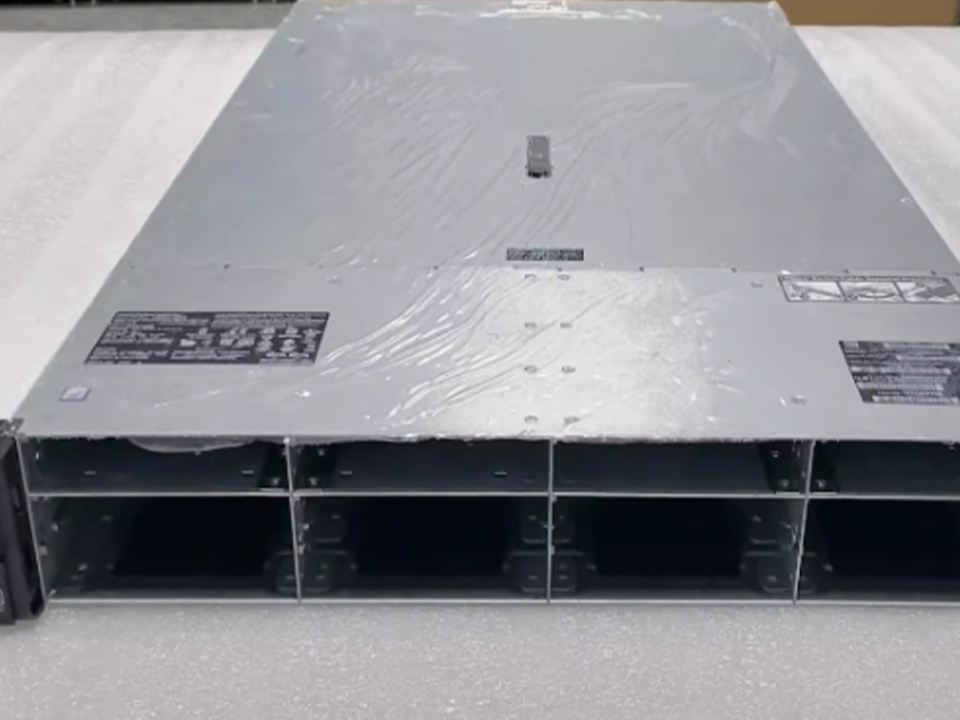
That separation does not always require separate physical devices, but it does require intentional I/O planning. Ten hot-swap NVMe bays can matter more than a flashy CPU in real deployments, which is why a 4U AMD MI250 GPU server rack with 10 hot-swap NVMe bays becomes interesting for plants combining ERP data, analytics, simulation, or AI-assisted quality workloads. Not every ERP buyer needs GPU acceleration. Many do not. But high-density NVMe plus expansion space is worth attention when ERP data starts feeding digital twins, predictive maintenance, or image-based inspection.
And yes, I know the purist objection: “That is not just an ERP server.” Correct. In 2026, the ERP data platform is often no longer just ERP.
On-Premise ERP Server vs Cloud ERP: The Argument Nobody Wants to Have Honestly
Cloud ERP sales teams tell you on-premise is old.
On-premise server vendors tell you cloud is expensive rented uncertainty.
Both are selling something.
Here is my opinion: cloud ERP is often better for companies with weak IT operations, distributed office users, and standard processes. On-premise ERP server infrastructure is often better when plants need local control, low-latency integrations, heavy customization, sensitive OT adjacency, or predictable long-term cost modeling.
But hybrid is becoming the real answer. Run ERP core workloads where control and latency make sense. Push analytics, supplier portals, disaster recovery, or non-sensitive reporting into cloud services when the economics work.
The danger is ideology. If your team says “cloud-first” or “on-prem-first” before mapping workload behavior, you are not doing strategy. You are doing religion.
Security Is Now Part of Server Selection, Not an Afterthought
A server selection guide for Manufacturing ERP that treats cybersecurity as a separate chapter is already behind.
Manufacturing systems are attractive targets because downtime hurts. Verizon’s 2024 DBIR analysis covered 30,458 security incidents and 10,626 confirmed breaches; it reported that 90% of data breaches were financially motivated and that ransomware remained a top threat across 92% of industries. (Verizon)
That matters when you choose ERP infrastructure. Your ERP server is not just compute. It is a business-control node.
The server needs:
MFA-protected administrative access
Role-based access control
Network segmentation between office IT, ERP, and OT zones
Secure remote vendor support
Patch windows that operations can actually tolerate
EDR compatible with ERP performance needs
Immutable or offline backup copies
Centralized logging
Firmware and BIOS update governance
Documented recovery time objective and recovery point objective
NIST’s manufacturing guidance points buyers toward the NIST Manufacturing Profile, NISTIR 8183, as CSF implementation detail developed for manufacturing environments and aligned with sector goals and best practices.NIST also notes that SP 800-82 covers OT security needs such as performance, reliability, safety, risk management, and security controls, while its Manufacturing Profile addresses 42 technical capabilities.
Translation: do not buy the ERP server first and design controls later. Buy infrastructure that can support the controls without wrecking production.
The ERP Workload Infrastructure Stack I Trust
For a mid-market manufacturer, I prefer a layered design:
Application tier on virtual machines.
Database tier isolated and tuned.
Reporting tier separated from live transactions.
Backup tier protected from domain compromise.
Management network separated from user traffic.
OT integrations brokered, monitored, and logged.
It sounds expensive. It is cheaper than chaos.
A 2U accelerator rack server with dense storage and rich I/O fits the kind of mixed workload environment where ERP is no longer alone. Think database plus reporting replicas, API services, quality data intake, or plant-level analytics. Dense storage and I/O matter because manufacturing systems generate messy, frequent, time-sensitive data.
If the plant includes SMT lines, inspection stations, or thermal-process traceability, ERP may eventually need to ingest quality and process records from equipment ecosystems. That is where linking ERP infrastructure thinking to production tools such as a KIC Explorer thermal profiler for SMT reflow oven systems becomes less random than it looks. Traceability data has to live somewhere. Eventually, management asks ERP to explain it.
How to Choose a Server for Manufacturing ERP Without Getting Played
Start with workload facts.
Not hopes. Not vendor defaults. Facts.
Ask for current and projected numbers:
Named users
Concurrent users
Transactions per hour
Database size today
Database growth per month
Number of plants
Number of warehouses
MRP run frequency
Peak posting windows
Report refresh patterns
Integration count
Attachment storage growth
Backup window
RTO and RPO
Five-year retention requirements
Then ask the ugly questions.
What happens if the ERP database host fails at 9:30 a.m. on ship day?
What happens if ransomware encrypts the domain?
What happens if a storage controller fails during month-end close?
What happens if the ERP vendor needs remote access during a production outage?
What happens if the reporting workload doubles after the COO discovers dashboards?
The buyer who asks those questions usually spends more intelligently. Not always less. More intelligently.
Server Configuration Comparison for Manufacturing ERP Buyers
Server Selection Area
Conservative ERP Setup
Growth-Oriented ERP Setup
High-Intensity Manufacturing Setup
Best fit
Small manufacturer, limited users
Multi-site manufacturer with integrations
Heavy MRP, analytics, traceability, quality data
CPU approach
Strong single-socket or dual-socket
Dual-socket with virtualization headroom
Dual-socket or accelerated compute where analytics justify it
Memory posture
Enough for ERP and database cache
2x current requirement with expansion slots free
Large memory pool, reporting separation, growth reserve
This table is intentionally blunt. “Conservative” does not mean bad. It means you know the ceiling and accept it.
The Hidden Buying Traps in B2B ERP Server Selection
The first trap is sizing for go-live.
Go-live is not maturity. Go-live is infancy. The real workload arrives later, after users trust the system enough to abuse it with reports, attachments, integrations, custom fields, and process exceptions.
The second trap is treating ERP vendor minimums as recommendations.
Minimums are legal survival numbers. They are not performance promises.
The third trap is ignoring recovery.
Verizon’s 2024 analysis also reports a 180% surge in vulnerability exploitation as a breach cause and says organizations take an average of 55 days to remediate 50% of critical vulnerabilities listed in CISA’s Known Exploited Vulnerabilities catalog once patches are available.That is not an abstract cyber metric. It is a warning that patching, segmentation, and recovery capability must influence server architecture.
The fourth trap is buying one heroic server.
A single big host can look efficient until it becomes a single expensive failure domain. Virtualization helps, but only when paired with redundancy, backup isolation, and restore testing. Otherwise, it is just a neat way to stack more eggs in one basket.
My Recommended Server Selection Framework
Use this order:
Workload map.
Database sizing.
Storage latency target.
Memory headroom.
CPU concurrency.
Virtualization design.
Security architecture.
Backup and restore design.
Vendor support model.
Five-year expansion path.
Notice what comes last: price.
I am not saying budget does not matter. I am saying price before architecture is how manufacturers end up buying twice.
For a straightforward Manufacturing ERP deployment, start with a reliable dual-socket rack platform. For ERP plus analytics, simulation, or quality-data pipelines, evaluate dense I/O and NVMe-heavy systems. For AI-heavy inspection, forecasting, digital twins, or engineering workloads adjacent to ERP, accelerator servers may make sense, but only when the software stack can use them.
Do not buy GPUs because someone said “AI.” Buy GPUs because a named workload, toolchain, and ROI case demand them.
FAQ: Manufacturing ERP Server Selection
What is the best server for Manufacturing ERP?
The best server for Manufacturing ERP is a workload-matched business system with fast database storage, enough memory headroom, stable CPU performance, redundant power and networking, secure administration, and a tested backup and recovery design. It should be sized around peak production, MRP, reporting, and integration loads, not vendor minimums.
In practice, that usually means enterprise-grade rack hardware, NVMe or high-end SSD storage for database workloads, ECC memory, redundant components, and support coverage that matches plant operating hours. The “best” server is the one that keeps planning, production, inventory, purchasing, and finance usable under pressure.
How much RAM does a server for ERP system workloads need?
A server for ERP system workloads needs enough RAM to hold active database pages, support the operating system, handle ERP application services, absorb reporting spikes, and leave growth headroom for future users and data volume. For many manufacturers, practical RAM planning starts at 128 GB and rises quickly with database size and concurrency.
The mistake is asking for a universal number. A 40-user ERP environment and a 400-user multi-plant ERP environment are different animals. Database engine, virtualization overhead, attachments, reports, and integrations all change the number.
Are NVMe drives necessary for manufacturing ERP hardware requirements?
NVMe drives are not always mandatory for manufacturing ERP hardware requirements, but they are strongly recommended when the ERP database handles frequent writes, MRP runs, barcode transactions, lot tracking, reporting, and integrations. NVMe reduces latency in the storage layer, where many ERP performance issues quietly begin.
For light ERP use, enterprise SATA or SAS SSD may work. For busy manufacturing environments, NVMe is often the safer long-term choice because ERP data volume rarely shrinks and reporting demand almost always increases.
Should B2B buyers choose cloud ERP or an on-premise ERP server?
B2B buyers should choose cloud ERP when they want simpler administration, distributed access, subscription pricing, and less internal infrastructure responsibility, while an on-premise ERP server fits manufacturers needing local control, low-latency plant integrations, customization, predictable hardware ownership, or tighter OT adjacency management.
The better answer may be hybrid. Keep latency-sensitive or control-sensitive workloads close to the plant, then use cloud services for disaster recovery, supplier access, analytics, or non-sensitive reporting when the economics and risk model make sense.
How do I choose a server for Manufacturing ERP?
Choose a server for Manufacturing ERP by mapping users, transactions, database growth, MRP runs, reporting load, integrations, backup targets, security needs, and five-year expansion before comparing hardware models. The server should be selected from workload evidence, not from generic vendor minimums or procurement shortcuts.
Start with the worst production week, not the average week. Then size CPU, memory, storage, redundancy, and support around that scenario. A server that survives peak manufacturing pressure is worth more than a cheaper server that looks fine in a spreadsheet.
What is the biggest mistake in ERP workload infrastructure planning?
The biggest mistake in ERP workload infrastructure planning is designing for go-live instead of steady-state manufacturing reality. Go-live workloads are usually smaller, cleaner, and less integrated than the system becomes after users add reports, attachments, scanners, custom processes, quality data, and plant-level exceptions.
A good infrastructure plan assumes ERP will grow messier. It leaves memory slots, storage bays, network capacity, backup capacity, and virtualization room for that mess.
Conclusion
If you are buying Manufacturing ERP infrastructure, stop asking vendors for a server quote first. Ask for a workload model. Ask for a restore test. Ask where database writes will bottleneck. Ask how the system behaves when MRP, receiving, production reporting, and dashboards collide.