Looking to contact semiconductor manufacturer teams for wet process equipment? Meraif supports Southeast Asia buyers with solutions for silicon wafers, IC wafers, advanced packaging, IC substrates, and SMT—backed by patented nozzle technology, vacuum negative pressure spray cleaning, and supercritical fluid expertise for high-precision semiconductor cleaning.
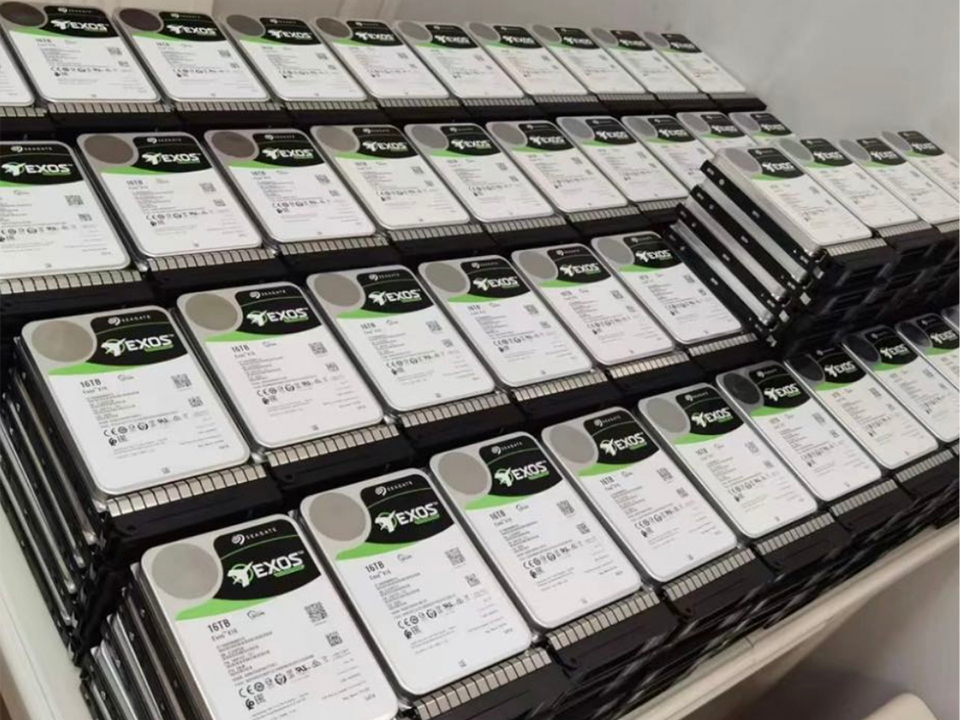
Enterprise HDD Selection for Archive Storage and Surveillance
It starts with capacity, ends with price-per-terabyte, and conveniently ignores the parts that actually kill storage systems: rebuild stress, vibration, heat, firmware behavior, write workload, bad retention math, and the quiet fact that surveillance video is often treated as evidence only after everyone realizes nobody designed the storage like evidence mattered.
I’ve seen this movie in plants, warehouses, logistics yards, SMT rooms, and “temporary” server closets that stayed temporary for eight years. The buyer asks for the best enterprise HDD for storage. Procurement sorts by lowest price. IT assumes RAID equals safety. Security assumes video will be there when legal asks for it. And six months later, someone is explaining why a 17-day retention target became 9.4 days after bitrate, motion, analytics metadata, and camera expansion were finally counted.
So what should we actually buy?
Table of Contents
Search Intent Behind “Enterprise HDD Selection for Archive Storage and Surveillance”
The search intent is commercial-informational.
The reader is not merely asking “what is an enterprise HDD?” They are comparing enterprise hard drives for a real deployment: archive storage, surveillance retention, NVRs, JBOD shelves, NAS clusters, VMS servers, or cold-to-warm evidence repositories. They probably need a purchasing framework, not a shopping carousel.
That distinction matters. A surveillance HDD and an archive storage hard drive may both be 3.5-inch SATA drives spinning at 7,200 RPM, but they are optimized around different risk patterns. Surveillance storage is write-heavy, continuous, and camera-count sensitive. Archive storage is usually capacity-dense, read-rarely, and intolerant of silent loss over long retention periods.
The overlap is real. The confusion is expensive.
The Hard Truth: Enterprise HDD Specs Are Not Promises
A 24TB enterprise HDD does not give you 24TB of usable storage. Not after RAID parity. Not after filesystem overhead. Not after hot spares. Not after retention buffer. Not after the vendor quietly changes the workload profile in a product generation.
Backblaze’s Q3 2024 drive statistics tracked 288,547 operational hard drives, with 286,892 drives included in its lifetime review after filtering for models with enough drive count and accumulated drive days. That is not a perfect proxy for your surveillance rack, but it is better than brochure logic because it shows what failure looks like across large fleets rather than single-lab testing.
Here is my unpopular opinion: annualized failure rate is useful, but not enough. The archive buyer who asks only “which drive fails least?” is asking half a question. The better question is: which drive fails least under my write pattern, enclosure density, vibration profile, rebuild window, thermal envelope, warranty route, and replacement logistics?
Boring? Yes.
Bankrupting? Also yes.
Archive Storage and Surveillance Are Two Different Beasts
Archive storage wants density, predictable aging, low power per terabyte, stable firmware, and clean replacement planning. Surveillance wants sustained ingest, firmware tuned for streaming writes, error recovery behavior that does not stall the recorder, and enough workload headroom for 24/7 camera traffic.
The trap is assuming one enterprise HDD can do both equally well because it says “enterprise” on the label.
For archive storage, I care about:
CMR recording, not bargain-bin SMR surprises
5-year warranty class
published workload rating, commonly 550TB/year in enterprise families
MTBF rating, usually 2.0M to 2.5M hours in top enterprise lines
vibration sensors for multi-bay chassis
power draw under idle and sequential workload
firmware consistency across batches
For surveillance storage, I care about:
camera count support
streaming-write optimization
dropped-frame mitigation
NVR and VMS compatibility
24/7 duty cycle
workload rating under video plus AI metadata
behavior during rebuild while cameras keep writing
Western Digital’s WD Purple Pro line, for example, is positioned around advanced smart video workloads and lists support up to 550TB/year with surveillance-specific AllFrame AI behavior. That is not marketing fluff if your recorder is ingesting dozens of camera streams plus analytics metadata; it is exactly the workload class difference people ignore until dropped frames appear in the audit trail.
CMR vs SMR: The Argument Nobody in Procurement Wants to Have
Use CMR.
That’s the whole paragraph, almost.
But here is the longer version: conventional magnetic recording is the safer default for enterprise surveillance storage and mixed archive workloads because random writes, rebuilds, parity operations, and metadata churn punish shingled recording when the drive’s translation layer runs out of clean runway. SMR can be acceptable in tightly controlled cold archives. It can also be a maintenance migraine in a NAS that was never told it was hosting a science experiment.
Would I use SMR for an immutable archive where data lands in large sequential batches and is rarely rewritten? Maybe. Would I use it behind a surveillance recorder taking continuous video from 64 cameras? No. Not unless I enjoyed writing incident reports.
This is where system context matters. A factory running custom PCB PCBA assembly for SMT automation OEM systems may need synchronized storage across inspection cameras, barcode scans, machine logs, and QA snapshots. That is not the same as dumping quarterly backups to a shelf.
The Retention Math Most Teams Get Wrong
Let’s do the ugly math.
A 4MP camera at 15 fps using H.265 might run anywhere from roughly 2 Mbps to 8 Mbps depending on scene complexity, compression settings, motion, lighting, and analytics. Multiply that by 40 cameras. Then multiply by 24 hours. Then multiply by 30, 60, or 90 days. Then add overhead. Then add RAID. Then add the cameras someone will install next quarter without telling IT.
Surveillance storage collapses because people size for the current camera count, not the politics of future camera count.
NIST’s digital CCTV retrieval guidance explicitly calls out the need to document items such as DVR make/model, time discrepancies, firmware version, number of hard drives, and storage capacity when retrieving video evidence. That should scare anyone who treats storage as an afterthought, because weak documentation can turn “we recorded it” into “we cannot prove what we recorded.”
And there is another layer: compression technology can cut storage, but it cannot repeal physics. Axis says its Zipstream technology can reduce bandwidth and storage needs by an average of 50% or more while preserving important image detail; useful, yes, but only if you validate it against your scene types instead of copying a vendor calculator into a CapEx request.
Enterprise HDD Selection Criteria That Actually Matter
Forget the pretty capacity chart for a minute. When I evaluate an enterprise HDD for archive storage and surveillance, I use a harsher checklist.
Selection Factor
Archive Storage Priority
Surveillance Storage Priority
What I Actually Look For
Recording technology
High
High
CMR preferred; avoid unmanaged SMR surprises
Workload rating
Medium to high
Very high
180TB/year minimum for light NAS; 550TB/year for serious enterprise/surveillance
18TB, 20TB, 22TB, 24TB, and 26TB classes depending on rebuild risk
Rebuild time
Very high
Very high
Larger drives mean longer exposure during rebuild
Warranty path
High
Medium
Advance replacement matters more than sticker price
Power and heat
Medium
High
Dense racks punish sloppy thermal design
Evidence integrity
Medium
Very high
Time sync, metadata, chain-of-custody readiness
A 24TB drive can look fantastic on paper. In a hot 16-bay NVR under a staircase, with poor airflow and cameras writing nonstop, it may become a slow-motion liability.
When to Choose Enterprise HDD for Archive Storage
Choose an enterprise HDD for archive storage when the workload is capacity-heavy, retention-driven, and cost-per-terabyte matters more than low-latency access.
That sounds simple. It is not.
For long-term archive storage, I want high-capacity enterprise drives in a system designed around bit rot checks, erasure coding or RAIDZ-style parity, scrub schedules, and a second copy somewhere else. Not “RAID 5 and vibes.” Not “one NAS in the office.” Not “we’ll back it up later.”
The U.S. Department of Energy’s 2024 data center report estimated that data center load growth had tripled over the past decade and could double or triple by 2028, a reminder that storage architecture is now an energy and facilities conversation, not just an IT line item.
For manufacturers handling inspection images, serialized production data, and QA archives, storage should sit beside traceability infrastructure. If your line already depends on custom multilayer PCB and FPC boards for SMT equipment lines, your archive policy should be as engineered as the electronics you ship.
When to Choose Surveillance HDD Instead
Choose a surveillance HDD when the system writes continuously from multiple cameras and the business risk is missing frames, not slow file retrieval.
A surveillance HDD is not automatically “better.” It is more specialized. Drives like WD Purple Pro or Seagate SkyHawk AI are built around the reality that video systems do not behave like office file shares. They ingest streams. They overwrite. They may support AI metadata. They sit in NVRs that must keep writing while someone is pulling footage.
The best enterprise HDD for storage may be the wrong surveillance HDD if its firmware is tuned for data center workloads rather than video ingest. And the best surveillance HDD may be the wrong archive drive if your retention model requires massive cold storage with rare access and aggressive cost targets.
On a production floor with plastic chain conveyors for semiconductor and SMT automation, camera angles change, lighting changes, motion density changes, and recording bitrate changes. Your storage estimate from commissioning day becomes fiction by month six.
RAID Is Not a Backup, and I Am Tired of Pretending It Is
RAID protects uptime. Backup protects data.
A RAID array can survive a drive failure. It cannot save you from mistaken deletion, ransomware, firmware bugs, controller corruption, silent corruption, bad retention settings, overwritten video, or a legal hold that arrives after the system has already purged the footage.
For enterprise surveillance storage, use RAID or erasure coding for availability, then create an export path for incidents. For archive storage, maintain at least two independent copies and test restoration. For evidence-heavy environments, preserve original files, metadata, timestamps, and access logs.
NIST defines digital forensics as retrieving, storing, and analyzing electronic data useful in criminal investigations, including data from hard drives and other storage devices. That definition lands differently when your “security footage archive” becomes evidence in a worker injury claim, theft investigation, or regulatory dispute.
And yes, labels matter too. If footage exports, serialized media, cartons, or evidence bags move through your facility, a system using an industrial barcode label printer for factory traceability can be more than warehouse convenience. It can support chain-of-custody discipline.
Capacity Planning: A Practical Enterprise HDD Sizing Model
Here is the model I use before approving enterprise hard drives for archive storage or surveillance.
Start with ingest. Calculate average Mbps per camera or data source. Use real pilot footage, not vendor averages. Then define retention. Add RAID overhead. Add filesystem overhead. Add growth. Add rebuild buffer. Then cut the result with a management penalty, because somebody will ask for more cameras.
For surveillance:
Required TB = camera count × Mbps per camera × 10.8 × retention days ÷ 1,000,000
That rough formula converts Mbps into terabytes over time. It is not perfect. It is useful enough to expose fantasy.
Example: 48 cameras × 4 Mbps × 10.8 × 45 days ÷ 1,000,000 = about 93.3TB raw video before RAID, filesystem overhead, metadata, and expansion. With RAID6 and headroom, you may be buying 160TB to 220TB of installed HDD capacity, not the 96TB someone guessed in a meeting.
A 300TB usable archive with 75% storage efficiency, 1.3× growth buffer, and two independent copies is not a 300TB purchase. It is roughly 1,040TB installed across copies. Painful? Good. Better now than during an audit.
SATA vs SAS: Stop Overbuying the Wrong Interface
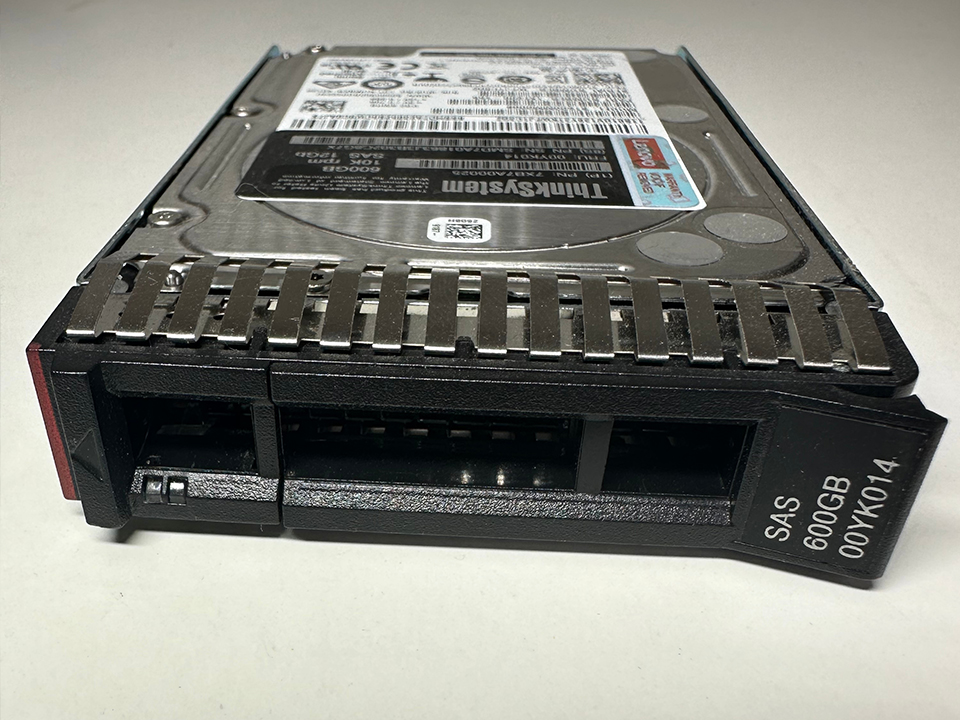
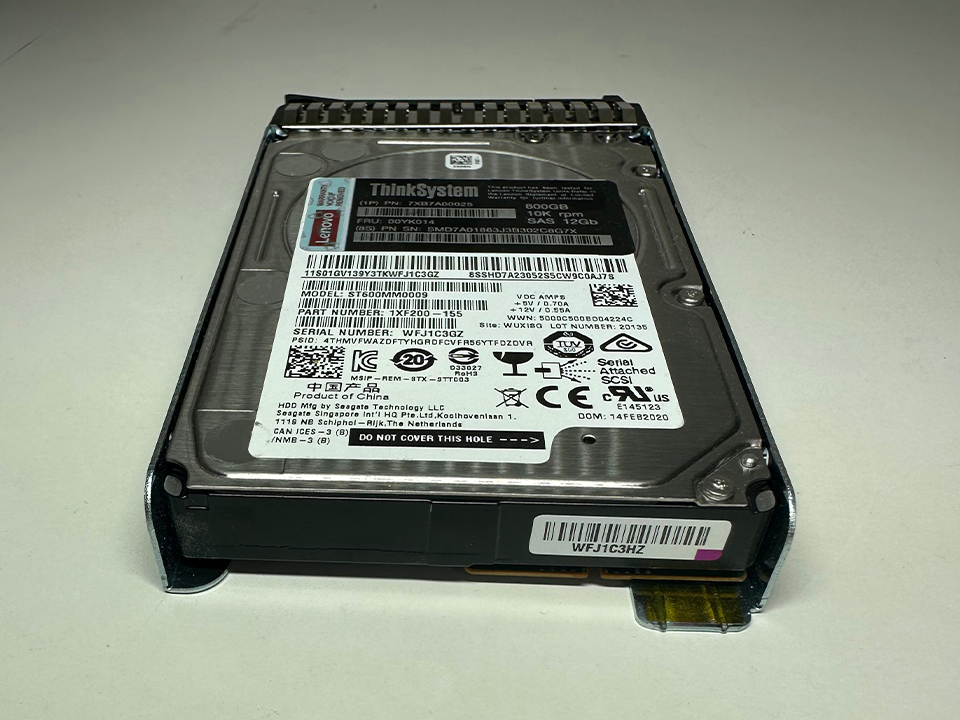
SATA is fine for many surveillance and archive deployments. SAS makes sense when you need dual-porting, enterprise backplanes, multipath access, better enclosure behavior, and a storage architecture built around serviceability.
Do not buy SAS because it sounds professional. Buy SAS because the chassis, controller, SLA, and operational model justify it.
For a standalone NVR, SATA surveillance HDDs often make more sense. For a dense archive appliance, SAS enterprise drives may fit better. For a hybrid factory system with inspection images, barcode events, video clips, and manufacturing logs, your choice depends on how the system writes and retrieves data.
An industrial barcode reader for semiconductor and SMT lines may generate tiny but business-critical traceability events, while cameras generate massive continuous video. Mixing those workloads on one poorly planned volume is how clean architectures become storage soup.
The Buyer’s Shortlist: What I Would Demand Before Signing
Before I approve an enterprise HDD or surveillance HDD purchase, I want these answers in writing:
Is it CMR?
What is the workload rating in TB/year?
What is the warranty term?
What is the exact model number, not just product family?
Is firmware consistent across the ordered batch?
Is the drive listed as compatible with the NAS, NVR, RAID controller, or VMS?
What is the rebuild time at expected array size?
What is the maximum chassis temperature under load?
What is the replacement SLA?
Who owns retention verification after installation?
That last question is where organizations get exposed. Nobody owns retention until footage is missing.
Enterprise HDD vs Surveillance HDD vs Desktop HDD
Drive Class
Best Use
Avoid When
Typical Strength
Common Failure in Real Deployments
Enterprise HDD
Archive storage, data center shelves, high-capacity NAS, RAID arrays
Firmware is not validated for NVR/VMS ingest
High workload rating, RV sensors, long warranty
Overused as a generic answer for every storage problem
Surveillance HDD
NVRs, VMS servers, camera-heavy systems, AI video analytics
Used as cheap bulk archive without data protection planning
Continuous video ingest, dropped-frame mitigation
Undersized retention, poor airflow, too many streams
Small business NAS, shared storage, light-to-moderate 24/7 use
Heavy enterprise archive or high-camera surveillance
RAID-friendly behavior, balanced price
Mistaken for enterprise class under heavy workloads
SSD
Metadata, indexes, hot cache, fast retrieval
Bulk long-retention video where cost/TB dominates
Low latency, high IOPS
Overbought for cold video data
My Strong Opinion: Buy Fewer Drive Families
Standardization is underrated.
I prefer fewer drive models, fewer capacities, fewer firmware branches, and cleaner spares management. Mixed fleets can work, but many small IT teams do not have the monitoring discipline to manage them. They end up with a shelf full of “equivalent” drives that behave differently during rebuilds.
In surveillance, I also dislike maximum-density-at-all-costs thinking. A 26TB HDD may reduce bay count, but it increases rebuild anxiety. If your array design, hot spare policy, cooling, and backup path are weak, higher capacity can magnify risk.
Cheap drives are not cheap when the plant manager wants footage from last Tuesday.
FAQ: Enterprise HDD Selection for Archive Storage and Surveillance
What is an enterprise HDD?
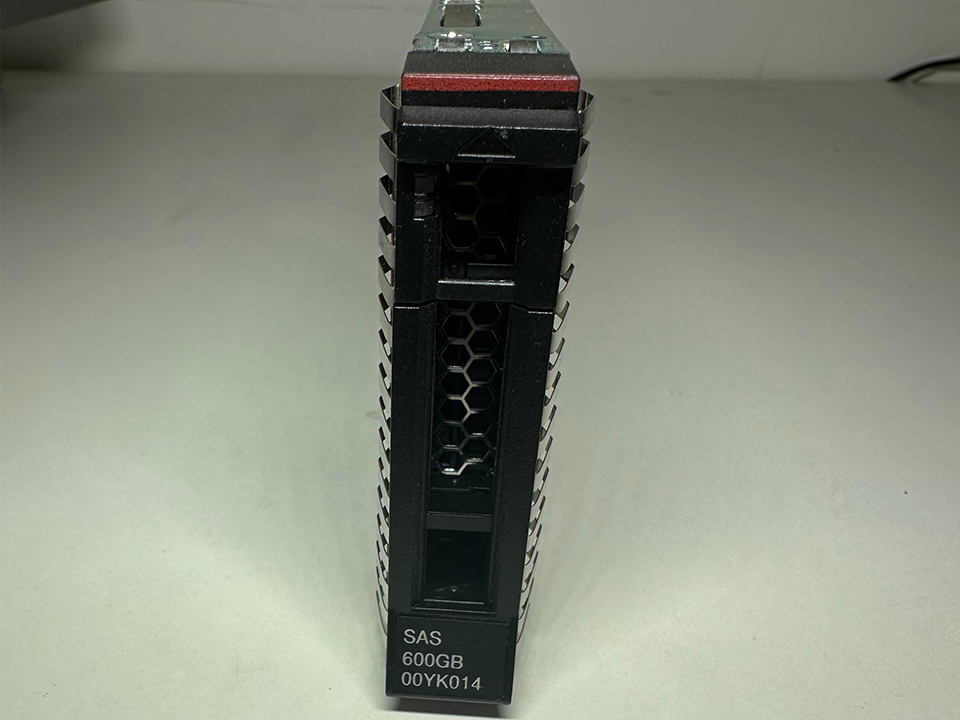
An enterprise HDD is a hard drive built for 24/7 business infrastructure, usually with higher workload ratings, longer warranties, stronger vibration tolerance, and firmware tuned for multi-drive systems such as servers, NAS appliances, archive arrays, and storage shelves.
In plain English, it is not just a bigger desktop drive. Enterprise hard drives are designed to sit in hot, noisy, crowded chassis where neighboring drives vibrate, workloads run constantly, and replacement planning matters. For archive storage, that usually means better density and durability. For surveillance, it may still be the wrong choice unless the firmware fits video ingest.
How do I choose an enterprise HDD for surveillance?
To choose an enterprise HDD for surveillance, calculate camera bitrate, retention days, RAID overhead, workload rating, NVR compatibility, and environmental risk before comparing price per terabyte or capacity.
The mistake is starting with “how many terabytes can I buy?” Start with “how much video do I generate per day?” Then test real camera scenes. Night noise, rain, moving conveyor belts, reflective packaging, and analytics overlays can push bitrate higher than the clean demo number. A surveillance HDD may beat a generic enterprise HDD in this use case because it is tuned for sustained video streams.
Is a surveillance HDD better than an enterprise HDD?
A surveillance HDD is better than an enterprise HDD only when the workload is continuous video recording, multi-camera ingest, and NVR or VMS operation where dropped-frame behavior matters.
For archive storage, a high-capacity enterprise HDD may be the better tool. For a camera recorder, a surveillance HDD may be safer. For a mixed environment, split the workloads if possible: keep video ingest on surveillance-tuned storage, and move exported evidence or long-term archive copies into a protected archive tier.
What capacity enterprise HDD should I buy for archive storage?
The right enterprise HDD capacity for archive storage is the capacity that meets usable retention after parity, replicas, filesystem overhead, growth buffer, rebuild risk, and replacement logistics are included.
Today, many professional archive designs evaluate 18TB, 20TB, 22TB, 24TB, and 26TB drives. But bigger is not always better. Large drives reduce slot count but extend rebuild exposure. If you lack monitoring, hot spares, tested backups, and cooling discipline, chasing maximum capacity can increase operational risk.
Is RAID enough for enterprise surveillance storage?
RAID is not enough for enterprise surveillance storage because it protects availability during drive failure but does not protect against deletion, overwrite, ransomware, controller corruption, retention misconfiguration, or missing evidence exports.
Use RAID to keep the recorder running. Use backup, export workflows, access logs, and retention verification to protect the footage. When surveillance video becomes legal evidence, the question is not just whether the array stayed online. The question is whether the right clip exists, is complete, has metadata, and can be trusted.
Build the Storage System Like the Footage Will Be Challenged
Enterprise HDD selection for archive storage and surveillance is not a capacity shopping exercise. It is risk engineering.
Choose CMR. Match the drive class to the workload. Validate retention with real bitrate. Keep surveillance ingest separate from long-term archive when the budget allows. Treat RAID as uptime, not evidence protection. And stop letting procurement turn storage design into a lowest-price contest.
If your operation depends on cameras, inspection systems, serialized tracking, or production evidence, audit your HDD plan before the incident happens. The cheapest time to fix storage architecture is before somebody asks for footage you no longer have.